

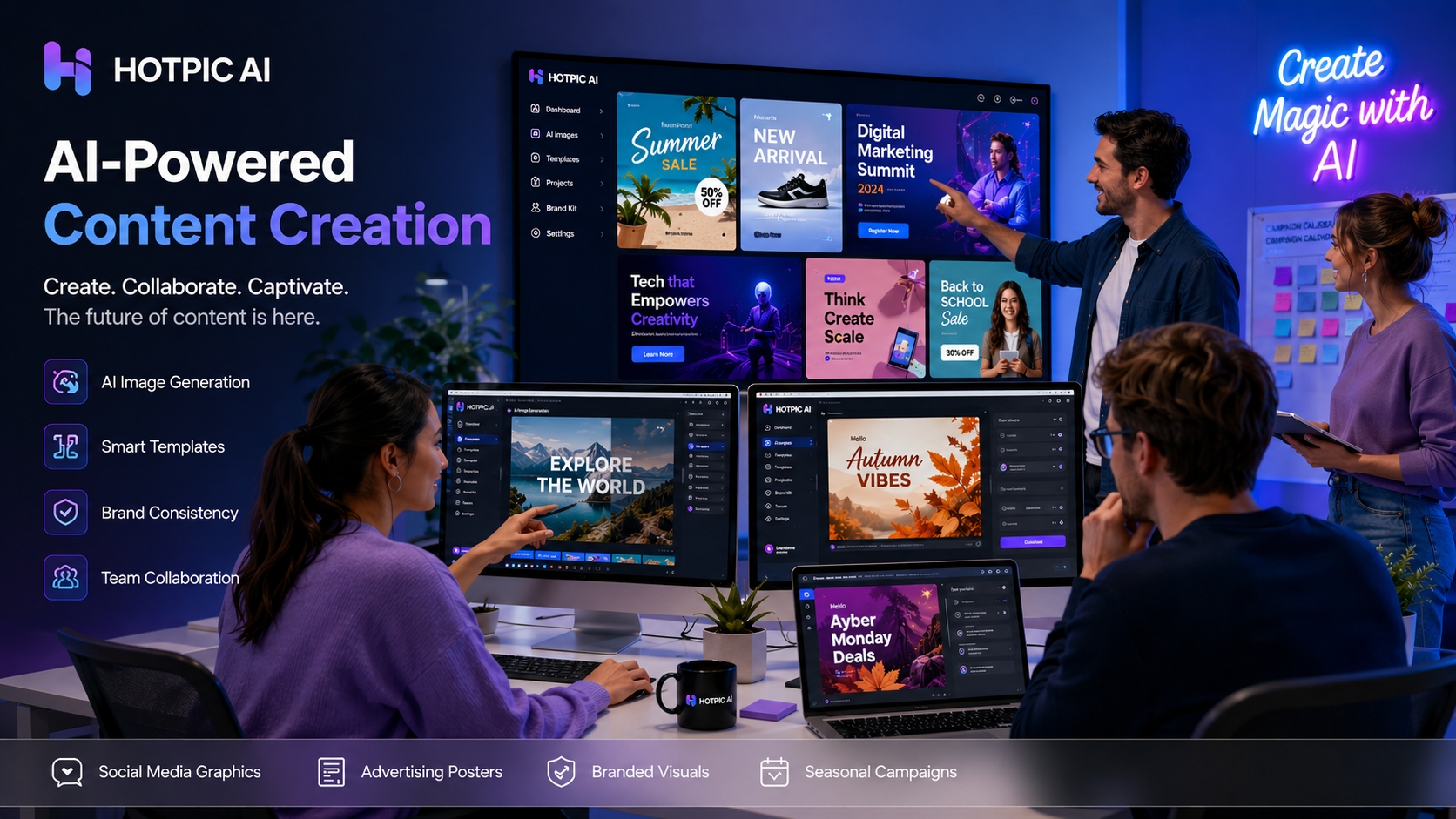
In today’s content landscape, visual assets are no longer optional—they are foundational.
Whether you’re working in social media, ecommerce, brand marketing, content operations, or independent creation, the demand for visual output is constant:
- daily social graphics
- campaign posters
- product visuals
- seasonal assets
- ad creatives for testing
- cover images and branded content
The challenge is that traditional visual production workflows are often too slow.
From concept to design, revision, retouching, and approval, the process can involve too many steps. In high-frequency publishing environments, slowness doesn’t just reduce efficiency—it reduces growth opportunity.
That is exactly why AI image tools are becoming more important for content teams in 2026.
They are no longer just “interesting creative software.” They are becoming core production infrastructure.
1. Why content teams are relying more heavily on AI image tools
Visual content demand has exploded
A few years ago, a brand may have needed only a handful of visuals per week. Today, most teams are dealing with multi-platform publishing, multi-size adaptation, and constant testing.
For example:
- one campaign poster may need to fit multiple formats
- one product promotion may require several visual directions
- one product photo may need multiple backgrounds and styles
- one trend opportunity may demand a complete asset in just a few hours
In this environment, traditional workflows often can’t keep up.
The core value of AI image tools is that they turn visual production from a **heavy project** into a **lighter, faster process**.
If you need a quick visual draft, start with HOTPIC’s AI image generator:
https://hotpic.ai/ai-image-generator
2. How AI image tools are reshaping the content workflow
From long design cycles to fast validation and iteration
Traditional design workflows spend a lot of time in the exploration phase.
One of the biggest strengths of AI image tools is that they accelerate the first draft.
When a marketing team needs to test the creative direction of a campaign, they can generate multiple visual directions quickly, compare them, and move forward with the strongest one. That is far more efficient than beginning every idea with a full design cycle from scratch.
From single outputs to scalable visual production
AI image tools do more than improve the speed of one image.
They improve a team’s ability to produce **many images at scale**.
For example, a team can quickly create:
- multiple social headers
- multiple ad creatives
- several campaign visuals
- platform-specific variations
- different product display styles
That matters enormously for growth teams, because growth depends on iteration—and iteration depends on asset production.
From design dependency to cross-functional collaboration
Not every content operator, social manager, or marketer is fluent in advanced design software.
But all of them need visuals.
AI image tools make it easier for non-design roles to participate in concept validation, asset preparation, and rapid production. This does not replace designers. Instead, it allows teams to reserve deep design work for higher-value tasks while enabling faster collaboration upstream.
3. The most important AI image use cases for content teams in 2026
Looking at the recent themes across overseas platform blogs, a few high-priority use cases stand out clearly.
Social media visuals
Social media moves fast, and visuals matter.
AI image tools are especially useful for:
- cover images
- post graphics
- carousel visuals
- teaser graphics
- seasonal and trend-driven posts
Product posters and ad creatives
Marketing teams need to test constantly.
AI tools help generate multiple product poster directions, background variations, and composition styles much faster than traditional pipelines.
Brand-style content
Brands don’t just need attractive images—they need **consistent images**.
That’s why consistency, templating, and repeatable visual systems are becoming increasingly important in AI image product design.
Seasonal and trend-based campaigns
From holiday cards to trend visuals, timing is critical.
The faster the tool, the more useful it becomes for time-sensitive content.
If you want to add more packaging and finishing to your workflow, these HOTPIC tools are also useful:
- AI Cutout
- AI Watermark Remover
https://hotpic.ai/ai-watermark-remover
- AI Album Cover
https://hotpic.ai/ai-album-cover
- AI Filters
4. Why AI image tools are becoming growth engines—not just design tools
Here is the key shift: content teams are not using AI image tools only to save design time.
They are using them to improve **growth efficiency**.
Why?
Faster content launch
The faster content goes live, the faster a team can compete and gather market feedback.
Lower-cost experimentation
Many creative directions used to be too expensive to test.
Now it’s much easier to say, “Let’s make one version and see how it performs.”
Better support for high-frequency testing
Growth depends on testing, and testing depends on assets.
The faster a team can produce assets, the more experiments it can run.
Better trend capture
Trend traffic is short-lived.
The ability to capture it often comes down to how quickly a team can create something worth publishing.
5. How HOTPIC helps content teams work more efficiently
HOTPIC is especially useful for teams that want to combine **fast generation, broad scenario coverage, and lightweight workflows**.
Here’s one effective way to use it:
Step 1: Generate the first creative direction
Start with HOTPIC’s AI Image Generator to quickly create an initial concept:
https://hotpic.ai/ai-image-generator
Step 2: Apply style and mood
If you want a more branded, social-ready, or visually distinctive feel, continue with:
- AI Filters
https://hotpic.ai/ai-filters
Step 3: Package for marketing use
If the output needs to work better as a product visual or promotional poster, use:
- AI Cutout
- AI Album Cover
https://hotpic.ai/ai-album-cover
Step 4: Clean up and enhance
If you already have source material and need to optimize it, try:
- AI Watermark Remover
https://hotpic.ai/ai-watermark-remover
- AI Photo Restore
https://hotpic.ai/ai-photo-restore
- AI Photo Enhancer
https://hotpic.ai/ai-photo-enhancer
This path—from generation to refinement to packaging—maps much more naturally to the real rhythm of content production.
6. Final thoughts
AI image tools are reshaping how content teams create visuals.
They are no longer just tools that make images look interesting—they are becoming essential infrastructure for teams that want to move faster, test more often, and produce more content at lower cost.
In the future, the most competitive teams will likely be the ones that can publish consistently, react quickly, and produce a high volume of strong visual assets without heavy overhead.
AI image tools will play a larger and larger role in making that possible.
If you want a faster way to create visual content, start with HOTPIC: