
Free AI Cutout
Accurately identify and separate the main subject from any image, effortlessly extracting people or
objects with a transparent background.
Drag or click to upload images
Support PNG, JPG, JPEG, WEBP, BMP (max 20MB)

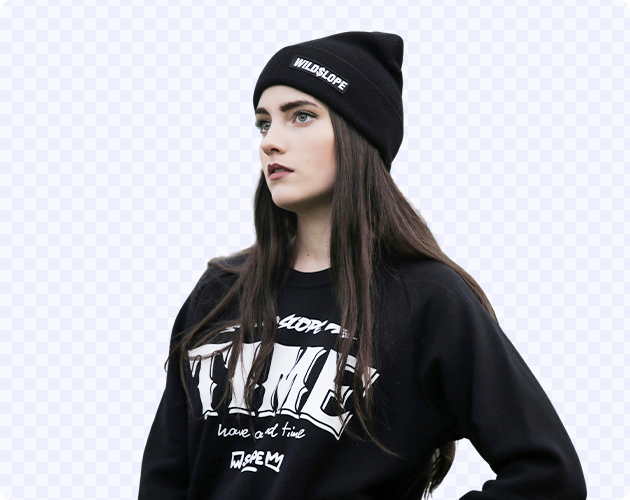
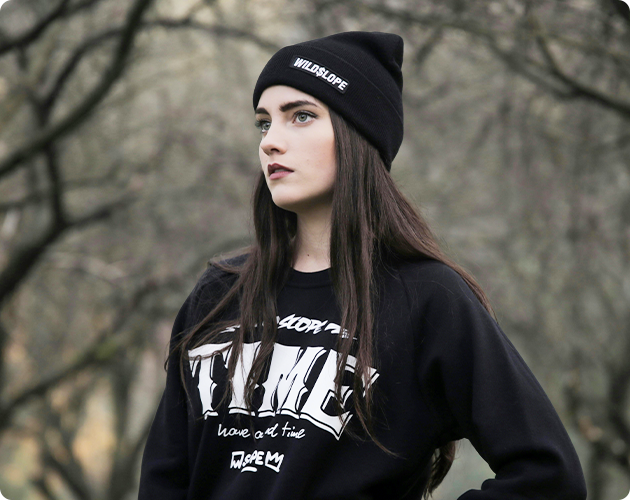
How to Cut Out Image
Follow these simple steps to cut out image subjects precisely in minutes.
Step 1: 1. Upload Your Image
Upload the image you want to cut out or drag and drop the images to start removing background.
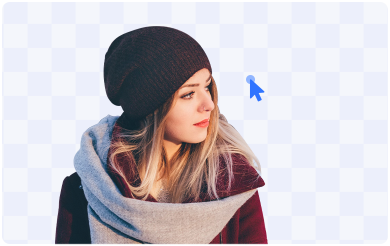
Step 2: 2.AI Cutout
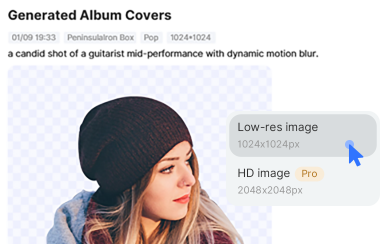
Our cutout image tool will automatically cut out the subject from your picture with the smart selection.
Step 3: 3.Download or Keep Editing
Download the image in PNG format and keep a transparent background to keep editing.
Professional-Grade AI Cutout, Defining New Visual Standards
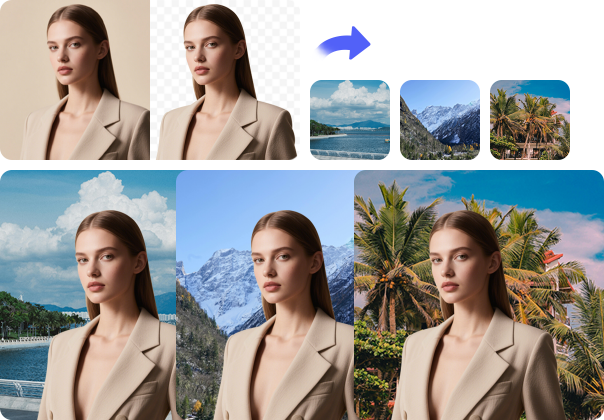
Remove Background in 3 Seconds
With the AI-powered cutout image tool in HotPic, create the most precise image cutout instantly. You are also allowed to cut out image background and redesign the processed image with our graphic design elements. Use the image cutout as stickers anytime for your pictures or posters!
Cut out Background Automatically with One Click
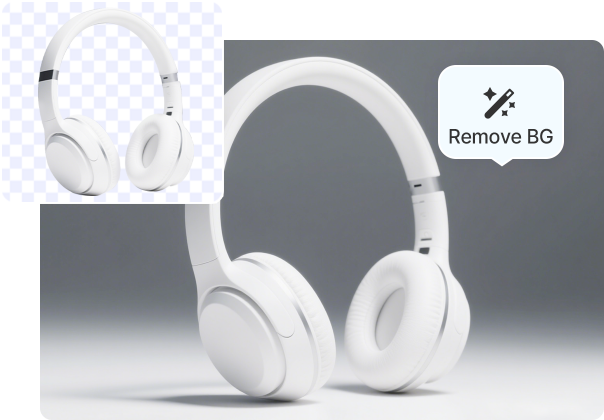
AI-enabled background remover gives you one-click power to remove background of any photo online. Just drag and drop your photo to the cutout image tool of Fotor, and it will automatically detect and make photo cut out in a flash.
Saved as Transparent PNG
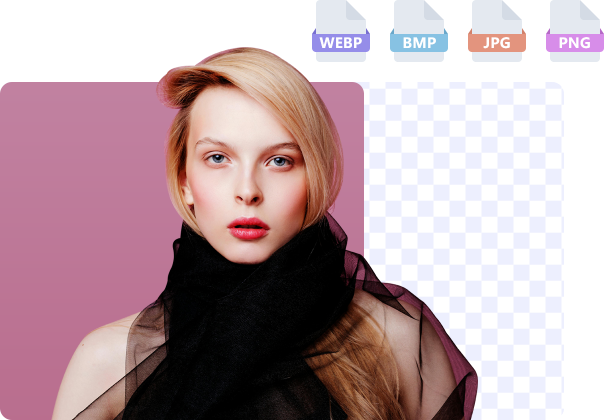
Upload your image in various formats, including JPG, JPEG, PNG, BMP, and WEBP, and quickly make them transparent. Feel free to edit as desired or leave it to download as a transparent PNG, perfect for e-commerce platforms to perfectly present your products on eBay, Amazon, Shopify, etc.
Frequently Asked Questions
What is HOTPIC AI Background Remover?
Is HOTPIC Background Remover free to use?
What image formats does HOTPIC support?
What types of images work best with HOTPIC?
How do I make an image background transparent with HOTPIC?
How do I remove a white background from an image?
Are my images kept private?
Who can use HOTPIC Background Remover?
More AI Art Tools
Explore more creative tools built for AI image creation.
AI Album Cover
Create personalized album covers for music instantly.
AI Cutout
Intelligently remove image backgrounds for precise cutouts.
AI Watermark Removal
Efficiently remove unwanted watermarks and blemishes from images.
AI Swap Face
Explore Different Identities with One Click and Discover Your New Self.
