

Introduction
On April 22, 2026, OpenAI quietly did something loud.
They launched GPT Image 2 — internally known as ChatGPT Images 2.0 — and Sam Altman called it "the leap from GPT-3 to GPT-5, but for images."
That's not hype. That's a warning shot to every designer, marketer, and content creator on the planet.
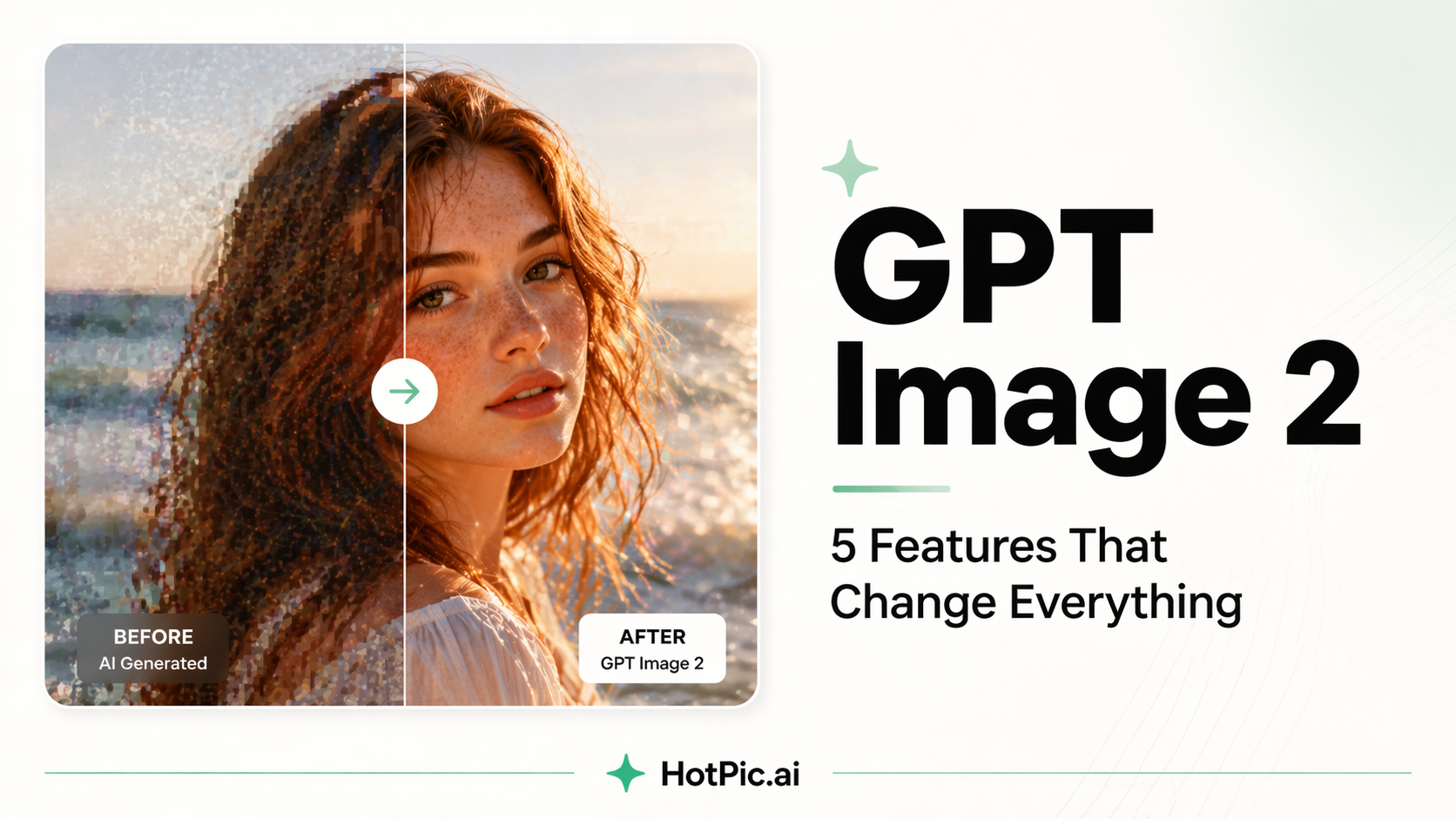
In one release, OpenAI topped every category on the Image Arena leaderboard, left competitors trailing by 242+ Elo points, and introduced the world's first image model that actually thinks before it draws.
At HotPic.ai, we believe the best AI tools should be accessible to everyone. So let's break down exactly what GPT Image 2 can do — and why this is the moment to start creating.
What Is GPT Image 2?
GPT Image 2 is OpenAI's next-generation image generation model. Unlike previous diffusion-based models (including DALL-E), GPT Image 2 is built on a reasoning-first architecture — meaning it analyzes your prompt, searches for context, self-checks its output, and then generates.
The result? Images that feel less like "AI-generated" and more like they came from a professional design studio.
5 Game-Changing Features You Need to Know
1. 🧠 It Thinks Before It Draws
GPT Image 2 is the world's first image model with built-in reasoning. It can browse the web, understand context, and self-verify before outputting a single pixel. Complex prompts that used to fail? They now work — first try.
"I asked it to create a product banner with 6 specific elements in precise positions. It nailed all of them." — Early tester
2. ✍️ Perfect Text Rendering — Finally
One of the biggest pain points in AI image generation has always been text. Misspelled words, garbled fonts, broken logos — it's been a nightmare.
GPT Image 2 solves this. It can render multi-language text, complex typography, even tiny inscriptions on objects with near-perfect accuracy. Sam Altman famously demonstrated it engraving text on a grain of rice.
This is a game-changer for marketing banners, social media graphics, and product packaging visuals.
3. 📐 Precise Object Placement & Composition
Need a product on the left, a logo in the top-right corner, and a headline in the center? GPT Image 2 understands spatial relationships and design intent, placing elements exactly where you describe — not somewhere vaguely nearby.
4. 📸 Photorealistic Quality That Doesn't Look "AI"
Previous models had a signature "AI aesthetic" — slightly off proportions, plasticky skin, dreamlike blurring. GPT Image 2's visual quality and compositional intelligence makes outputs feel genuinely designed, not generated.
5. 🌍 Multi-Language & Multi-Format Support
Whether your audience speaks English, Chinese, Japanese, or Arabic — GPT Image 2 handles multilingual prompts and text rendering natively. It also supports multiple aspect ratios and outputs up to 2K resolution, ready for any platform.
How to Use GPT Image 2 Right Now
You can access GPT Image 2 through ChatGPT and the OpenAI API — but for creators who want a streamlined, fast, free-to-start experience with powerful AI image tools, HotPic.ai is your home base.
HotPic gives you access to cutting-edge AI image generation and editing tools in one clean interface — no steep learning curve, no expensive subscriptions to get started.
Here's how to hit the ground running:
- Go to HotPic.ai — no complex setup required
- Describe your image in plain language — GPT Image 2 understands natural, conversational prompts
- Add specific details — mention colors, layout, text, style, and mood for best results
- Iterate fast — use follow-up prompts to refine. GPT Image 2 remembers context within a session
- Export and publish — high-res outputs ready for social media, blog banners, marketing materials
Pro Prompting Tips for GPT Image 2
GPT Image 2's reasoning engine means you can write longer, richer prompts without losing coherence. Here are some battle-tested tips:
- Be spatial: "Place the product in the lower-left, title text in bold white on upper-right"
- Specify text content exactly: Put quotation marks around any text you want rendered —
"HotPic — Create Anything" - Name your style: "Cinematic photography," "flat design illustration," "editorial fashion photography"
- Layer your instructions: Background → Subject → Foreground → Text → Mood/Lighting
- Use negative constraints: "No watermarks, no extra elements, clean background"
The Bottom Line
GPT Image 2 isn't just a better image model. It's a fundamental shift in what AI can create — from rough drafts that need heavy editing to polished, publish-ready visuals on the first try.
For marketers, content creators, indie founders, and anyone who needs great visuals fast, this changes your workflow. And it changes it now.
Ready to create something amazing? 👉 Start for free on HotPic.ai